Step 8. Run the RFgen 52 Mobile Development Studio
Start up the RFgen Moible Development Studio and run as Administrator so you can perform an upgrade of the application database.
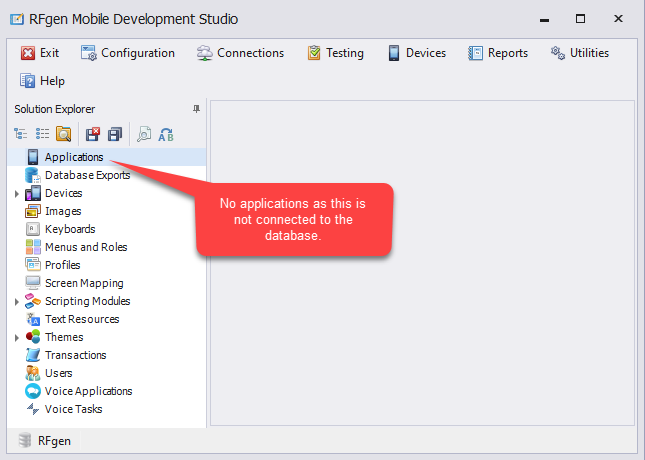
When you launch the Mobile Development Studio, it will not be connected to any databases if you used the defaults during installation (C:\ProgramData\RFgen52).
Since we created a test folder C:\RFgenTestSQLiteDB\RFgen52, step 2, we will be forcing a connection to this location by modifying the configuration file path.